
“Finally, a financial tool that speaks my language: fast, digital, and borderless. Getting paid in USD as a freelancer was never this easy.”
Alex C.
Tech Startup Founder

Invoicing
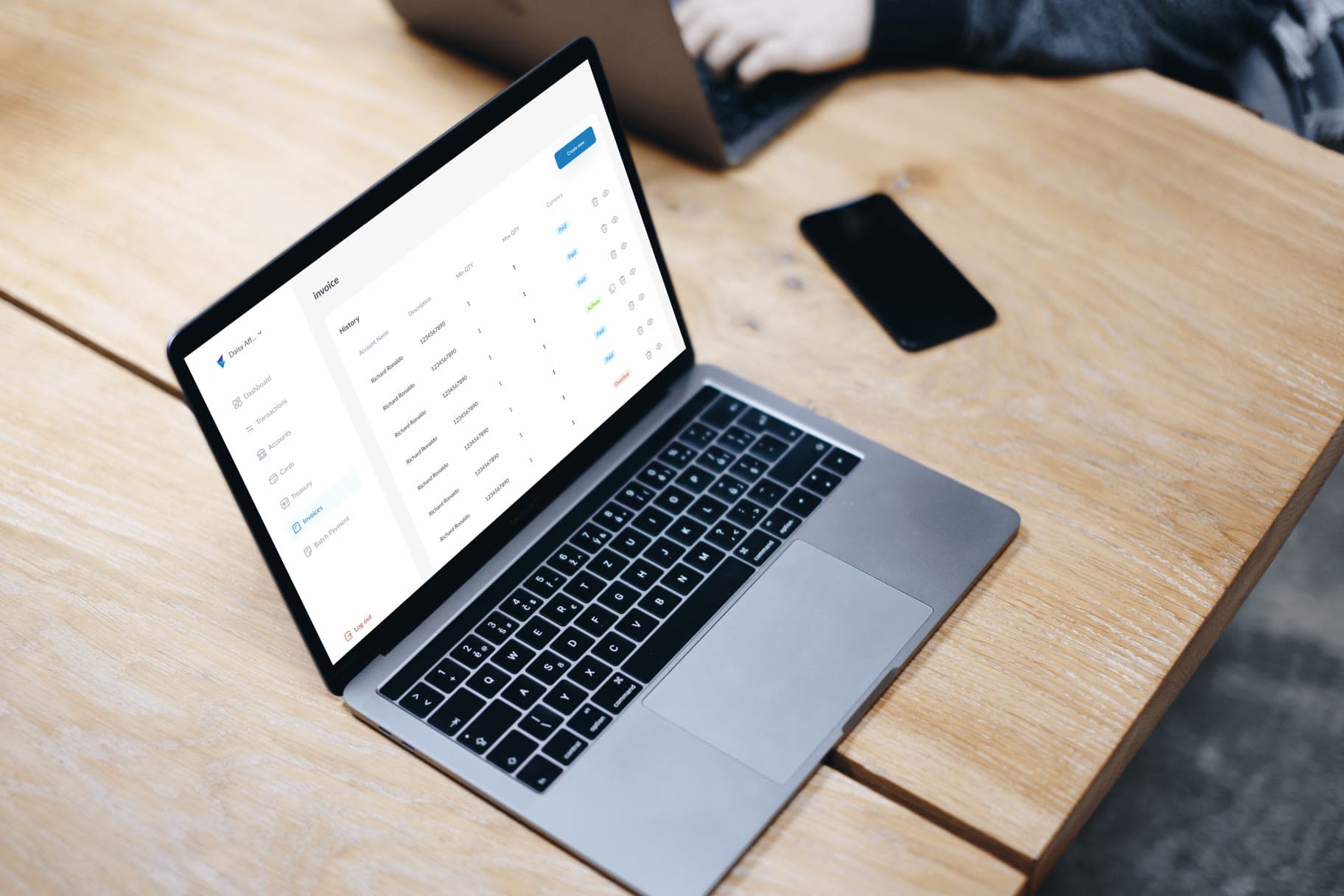
Send professional invoices with your international account details built in, and let incoming payments match themselves against what's outstanding.



WorkesAppz
Payments
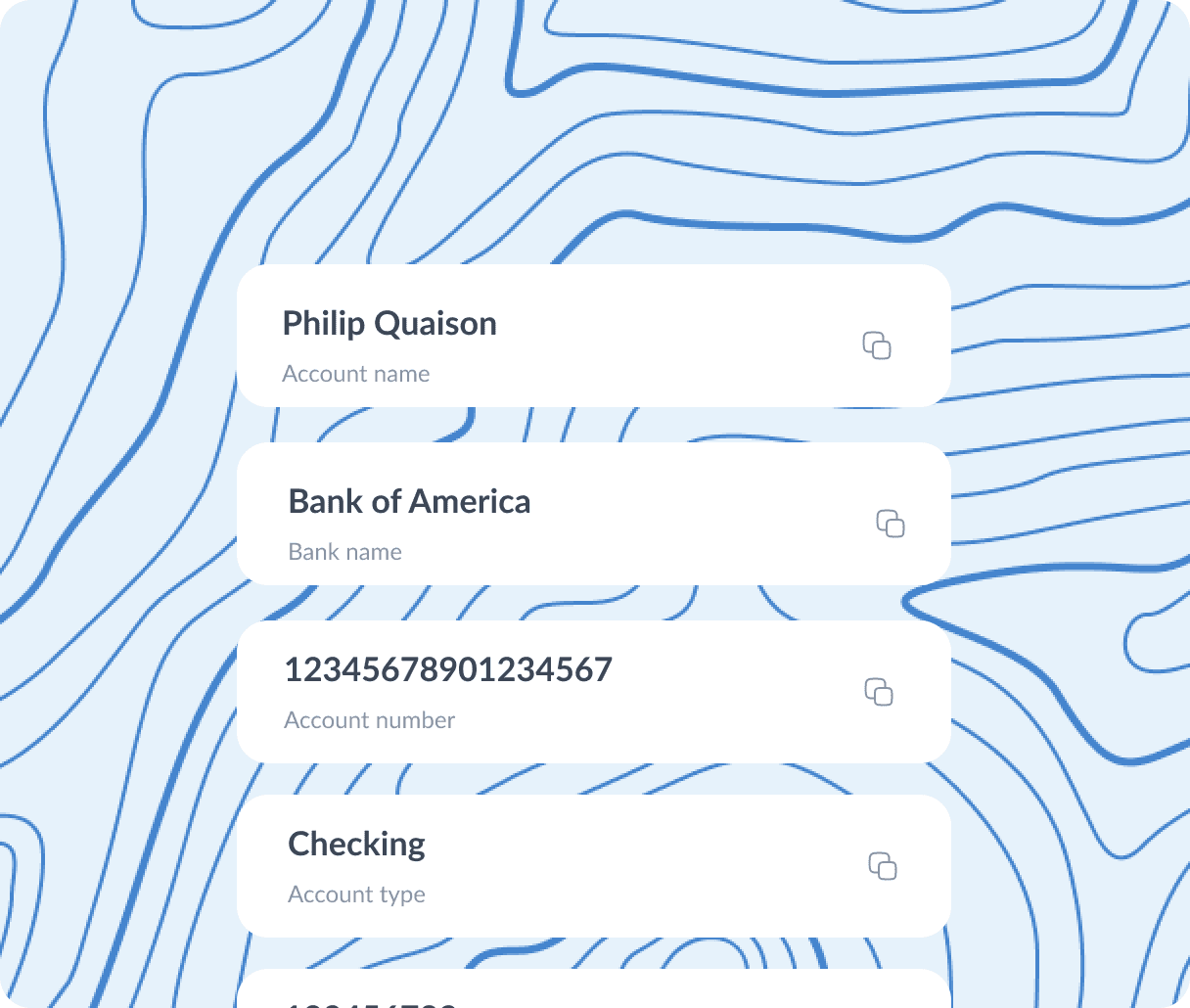
Syka Invoices carries the correct account details for the currency you're billing. When payment arrives, Syka matches it to the invoice automatically. No manual reconciliation, no chasing.
Every invoice is generated with the correct virtual account details for its currency, drawn directly from your Syka account. There is nothing extra to send.
Invoicing is included with every Syka business account, at no additional cost. Standard fees apply only when a payment is received.
When a payment lands, Syka checks it against your open invoices and marks the right one paid. If nothing matches, you're prompted to link it yourself.
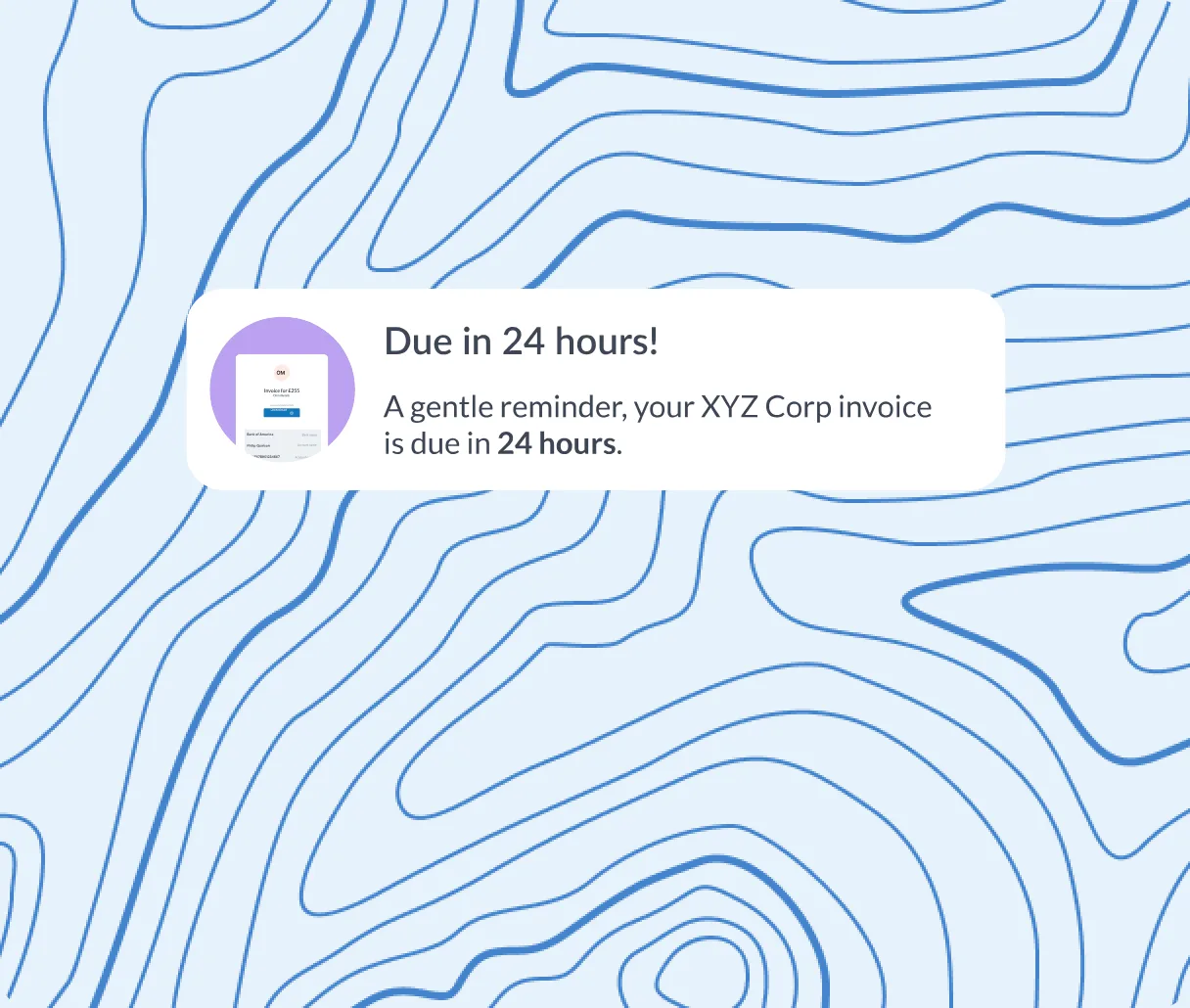
Automatic notices before and after the due date, so an overdue invoice does not depend on you remembering to chase it.
Set an invoice to repeat on a schedule for clients you bill regularly, and let it run without recreating it each time.
Every invoice, every payment, every reference, exportable in full for your own books or for whoever manages them.
Add your client, your line items, and the currency. Syka fills in your account details automatically.
Email it directly from Syka, or download a PDF to send however you prefer.
Syka matches the incoming payment to the invoice and lets you know the moment it lands.

Agencies bill international clients without a second system. Exporters keep payment terms and shipments connected. Freelancers send an invoice abroad and get paid, and reconciled as simply as one sent across town.
“Finally, a financial tool that speaks my language: fast, digital, and borderless. Getting paid in USD as a freelancer was never this easy.”
Alex C.
Tech Startup Founder

“Syka cut our international vendor payment costs by 85% and eliminated the 3-day wait. The virtual EUR accounts have been a game-changer for our EU clients.”
Alex C.
Tech Startup Founder

“Syka cut our international vendor payment costs by 85% and eliminated the 3-day wait. The virtual EUR accounts have been a game-changer for our EU clients.”
Alex C.
Tech Startup Founder
“Syka cut our international vendor payment costs by 85% and eliminated the 3-day wait. The virtual EUR accounts have been a game-changer for our EU clients.”
Alex C.
Tech Startup Founder
Create an invoice that already carries your account details, and let the payment find its way home on its own.
Not straight away. Each invoice carries the account details for the currency it's billed in, so you first need to open the account for that currency. It takes a few minutes, and once it's open, new invoices in that currency pick up the right details automatically. You can do this from the web or mobile app.
The invoice is marked partly paid, showing exactly how much has arrived and how much remains outstanding.
Yes. When you create an invoice, you can set it to repeat weekly, monthly, or on any cycle you choose. This suits clients you bill regularly. Syka creates each invoice on schedule, so you don't have to rebuild it every time.
Your invoice carries your own business branding, so your client sees it as an invoice from your business.
Yes. You can download any invoice as a PDF at any time, from the web or the mobile app. You can send it your own way, such as by email or WhatsApp, whether or not you also send it through Syka.

